
Customer Fix
Already paid?
Reconnect to WiFi, tap Already paid, and enter the M-Pesa phone or username used for the active package.
Pawa Self-Service
Use this page when a customer has paid but cannot browse, when a device needs reconnecting, or when a new operator wants to understand MikroTik, pricing, packages, and M-Pesa collection.
Customer Fix
Reconnect to WiFi, tap Already paid, and enter the M-Pesa phone or username used for the active package.
Operator Setup
Pawa automates Hotspot and PPPoE access through MikroTik RouterOS. Ordinary home routers cannot run the full billing flow alone.
Payment
For refunds or missing access, send the M-Pesa code, amount, phone used, and network name. Do not pay again while it is being checked.
Device
Use the self-care link after payment to save a TV, phone, laptop, or replacement device MAC address.
Customer Help
Reconnect to the WiFi, open the login page, tap Already paid, then enter the M-Pesa phone or username. If it still fails, send the M-Pesa code, phone used, and network name.
Wait one minute, refresh the WiFi login page, then use Already paid. If M-Pesa confirmed the payment but Pawa did not connect you, report the code from self-care or WhatsApp.
Do not pay again. Keep the M-Pesa confirmation code and amount. Pawa or the operator will verify whether the payment bought access, is pending, or needs refund handling.
Open the self-care link sent after payment and use Device Management. Save the TV or phone MAC address, then reconnect that device to the WiFi.
Pricing Questions
Setup is quoted after we review your request.
The monthly subscription is always charged: Starter is KES 1,500/month and Silver is KES 3,500/month. Customer payments go directly to your own PayBill.
Pawa charges for billing software only. Your existing network, routers, access points, cabling, installation, power backup, and internet are not supplied by Pawa and are not part of Pawa pricing.
Request a Pawa billing account or ask our team for guided demo help. New accounts are created by our team.
Onboarding Data
Town, estate, building, or branch where the WiFi will run.
MikroTik model or the router you plan to buy.
Estimated customers now and expected growth.
Durations, speeds, and customer prices.
Your M-Pesa shortcode, or not sure yet.
Whether internet already exists and who provides it.
Start Business Questions
Use this before WhatsApp when someone asks whether Pawa needs MikroTik, whether a home router can work, what equipment is needed, or which access mode to choose.
Pricing Rules
Pawa needs a MikroTik router for automatic Hotspot or PPPoE access control. A normal home router can share internet, but it cannot run the full billing automation by itself.
Hotspot is best for public WiFi packages. PPPoE is best for fixed broadband users. Some operators use both in one workspace.
Connect your own PayBill and Daraja credentials during onboarding.
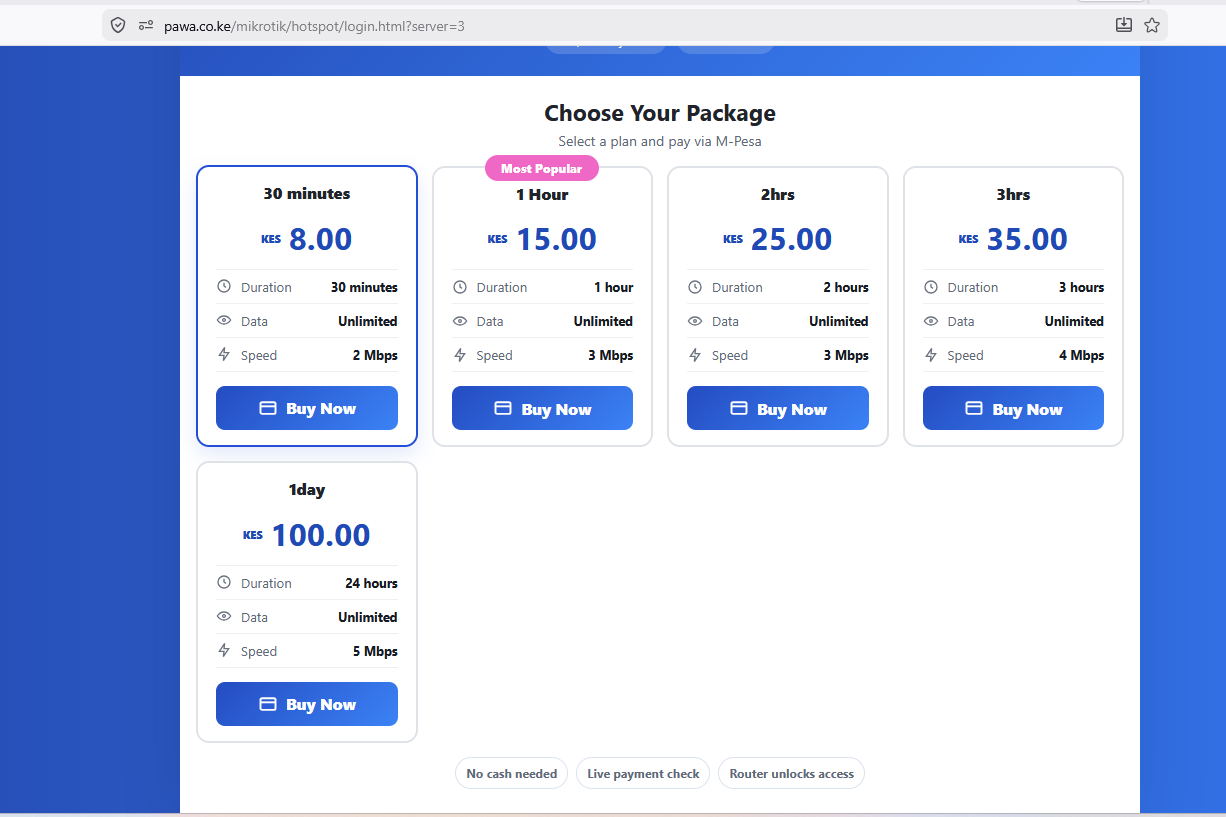
Common starter packages are hourly, daily, weekly, and monthly. Prices can be changed from the dashboard after testing.
When To Escalate
Escalate with the M-Pesa code, phone used, network name, and a screenshot if the payment or router status still does not match.